
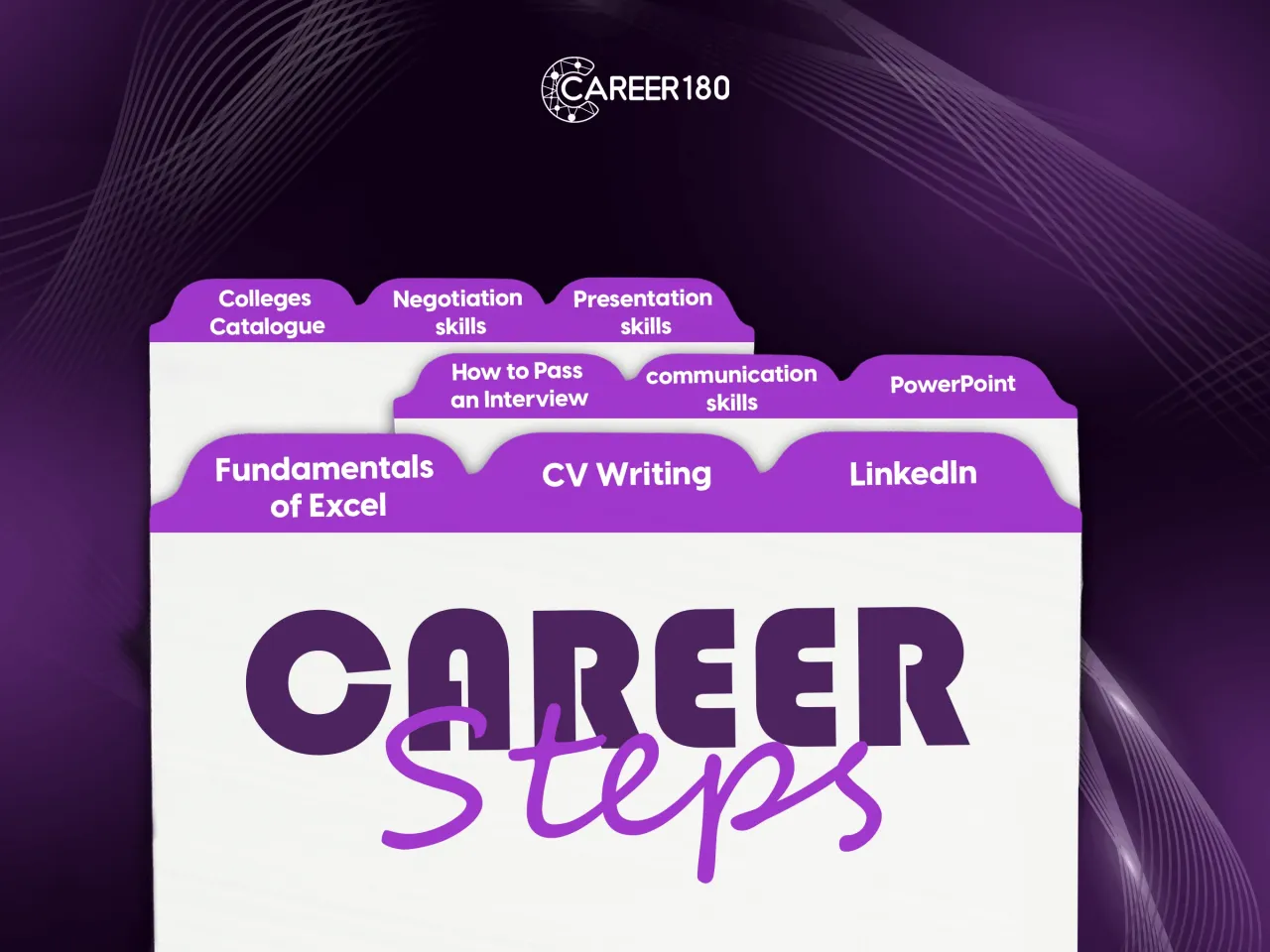
Career Steps
Career Steps Program:
Includes soft skills courses designed to guide you through your first steps into university life, helping you identify which skills to develop and gain a deeper understanding of your college options.
Presentation Skills: Learn how to deliver engaging presentations that leave a lasting impression confidently.
Negotiation Skills: Master techniques to reach win-win agreements in both academic and professional settings.
PowerPoint: Create visually appealing and well-structured slides that effectively support your message.
How to Pass an Interview: Discover strategies to prepare, answer confidently, and impress interviewers.
CV Writing in 15 Mins: Learn to craft a professional, impactful CV quickly and effectively.
Communication Skills: Improve your ability to express ideas clearly and listen actively in any situation.
Fundamentals of Excel: Gain essential skills to organize, analyze, and present data efficiently.
LinkedIn for Job Seekers: Build a strong LinkedIn profile that attracts recruiters and showcases your skills.
Last but not least, the college's catalogue will guide you in learning more about your college and planning your next steps.
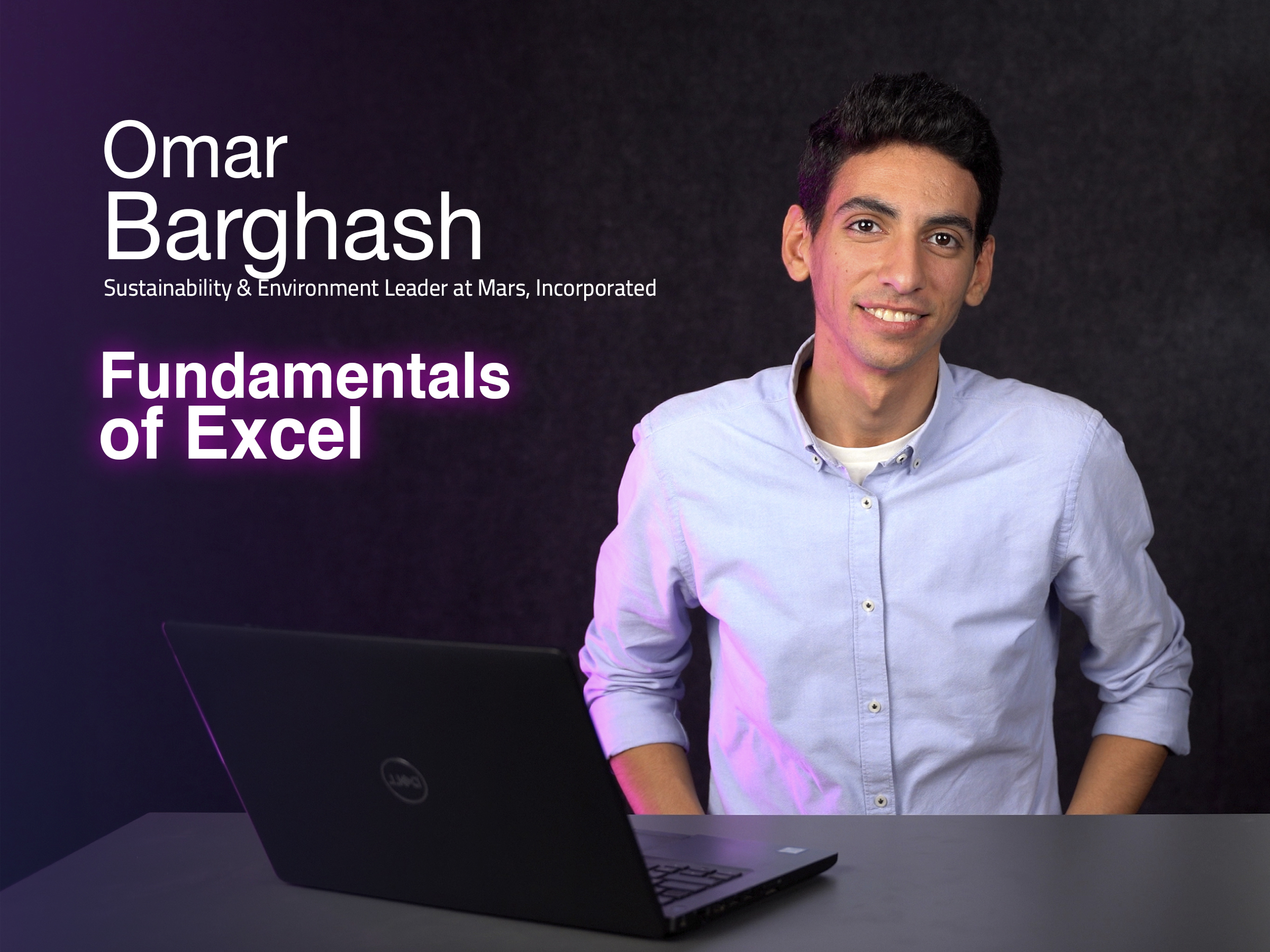
Course 1
This online Excel course introduces the tools needed to navigate worksheets, organize data, and work more confidently with spreadsheet content. It explains the purpose of Excel tabs, paste options, symbols, cell types, formatting, protection, formulas, and functions. Learners also see how tables can make data from different sources easier to review and compare.
What You Will Learn:
- The content and purpose of the main Excel tabs.
- How to navigate an Excel worksheet.
- How to use different paste options for values and formats.
- How to access symbols in Excel.
- How cell types affect work within a worksheet.
- How to format and protect an Excel sheet.
- How formulas and functions support spreadsheet work.
- How to organize data in tables for easier comparison.
-
Intro
1 minute 3 seconds -
Getting Started
4 minutes 8 seconds -
Tabs
4 minutes 49 seconds -
Navigation
3 minutes 14 seconds -
Paste
3 minutes 47 seconds -
Symbols
1 minute 50 seconds -
Cell Type
3 minutes 35 seconds -
Tables
3 minutes 54 seconds -
Freeze
1 minute 15 seconds -
Protect
2 minutes 16 seconds -
Formatting
9 minutes -
Conditional Formatting
5 minutes 43 seconds -
Formulas (Equal)
2 minutes 28 seconds -
Dollar Sign
6 minutes 34 seconds -
Formulas (IF)
4 minutes 2 seconds -
Formulas (IFs)
5 minutes 43 seconds -
Sum/Sumifs, Average/Averageifs, Count/Countifs
7 minutes 6 seconds -
Vlookup, Hlookup
11 minutes 2 seconds -
Max/Min, Large/Small
5 minutes 21 seconds -
Charts
8 minutes 10 seconds -
Conclusion
4 minutes 22 seconds

Course 2
In this course you will learn:
- How to write a CV in a professional and attractive way.
- Difference between career objectives and career highlights and how to summarize it.
- How to highlight your achievements in your CV.
- How to describe your skills, extracurricular activities, courses, certificates, and personal details in your CV
-
Intro
46 seconds -
Content Details
2 minutes 9 seconds -
Career Objectives
57 seconds -
Education
1 minute 7 seconds -
Work and Internship Experience
1 minute 47 seconds -
Extracurricular Activities
1 minute 56 seconds -
Courses
1 minute 15 seconds -
Certificates
1 minute 30 seconds -
Skills
3 minutes 16 seconds -
Personal Details
1 minute 30 seconds -
Tips & Tricks
3 minutes 37 seconds

Course 3
This LinkedIn course teaches job seekers how to build a more professional presence on LinkedIn and use the platform during their job search. It explains the difference between personal profiles and company pages, then covers profile development, resume creation, networking, platform features, and finding suitable opportunities.
What You Will Learn:
- The difference between a personal profile and an official company page.
- The main LinkedIn features available to job seekers.
- How to develop a professional LinkedIn profile.
- How LinkedIn can support your personal brand.
- How to build or present a resume through LinkedIn.
- How to search for suitable jobs on the platform.
- How to grow a relevant professional network.
- How profile information can support professional visibility.
-
Intro
1 minute 16 seconds -
LinkedIn Profile VS. Pages Part 1
7 minutes 25 seconds -
LinkedIn Profile VS. Pages Part 2
13 minutes 44 seconds -
LinkedIn Features
9 minutes 51 seconds -
How to Find Jobs on LinkedIn Part 1
14 minutes 56 seconds -
How to Find Jobs on LinkedIn Part 2
15 minutes 21 seconds -
Networking
4 minutes 21 seconds -
Tips and Tricks
10 minutes 20 seconds
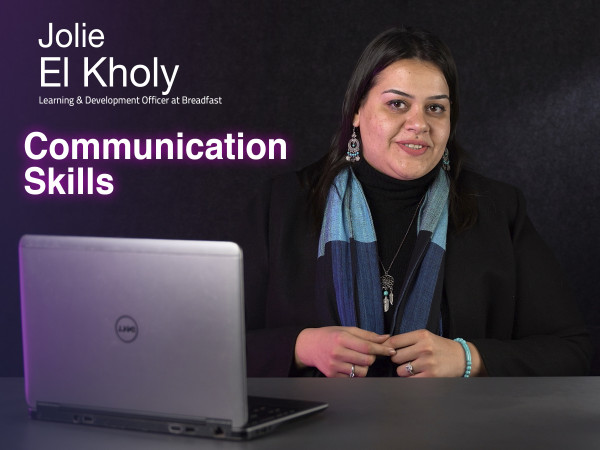
Course 4
In this course, you will learn:
- What is Albert Mehrabian`s theory?
- The importance of context.
- The difference between listening and hearing.
- How to set up your mind.
- What are the ego states?
- How to handle meetings.
- The importance of negotiation skills.
- How to deal with feedback.
- How to write formally.
-
Intro
2 minutes 55 seconds -
Communication building block: People
3 minutes 43 seconds -
Communication building block: Message
6 minutes 18 seconds -
Communication building block: Context
5 minutes 7 seconds -
Introvert/Extrovert Misconception
5 minutes 52 seconds -
Listening Traps
7 minutes 31 seconds -
Triggering Points
7 minutes 39 seconds -
Articulating Thoughts
4 minutes 58 seconds -
Transactional Analysis
9 minutes 35 seconds -
Meetings
11 minutes 47 seconds -
Persuasion & Negotiation
6 minutes 21 seconds -
Giving & Receiving Feedback
5 minutes 32 seconds -
Written Communication
10 minutes 30 seconds
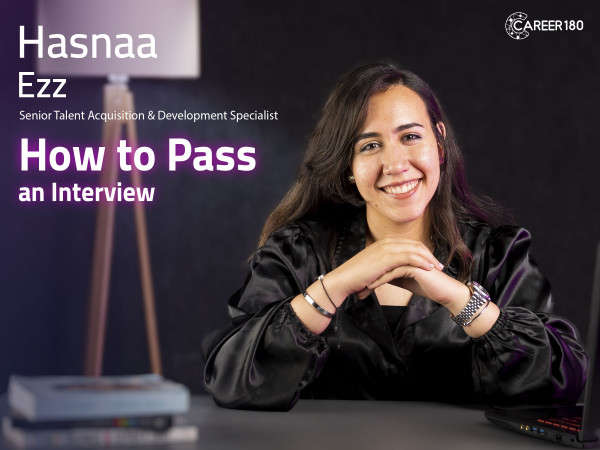
Course 5
This job interview course guides students through the stages that come before and during an interview. It begins with the qualifications students can build during university, then covers finding a suitable career direction, identifying opportunities, applying effectively, passing the screening stage, and handling face-to-face and other interview formats.
What You Will Learn:
- Which qualifications can be developed during university.
- How to explore your interests and career direction.
- How to find and apply for a suitable opportunity.
- How to prepare for and pass the screening stage.
- How to behave in a face-to-face interview.
- The different interview types covered in the course.
- How to adjust your approach for different interview formats.
-
Intro
51 seconds -
Qualifications
2 minutes 34 seconds -
How to Find my Passion
2 minutes 56 seconds -
Screening
3 minutes 47 seconds -
Face to Face Interview
8 minutes 19 seconds -
Types of Interviews
8 minutes 21 seconds -
Conclusion
5 minutes 25 seconds
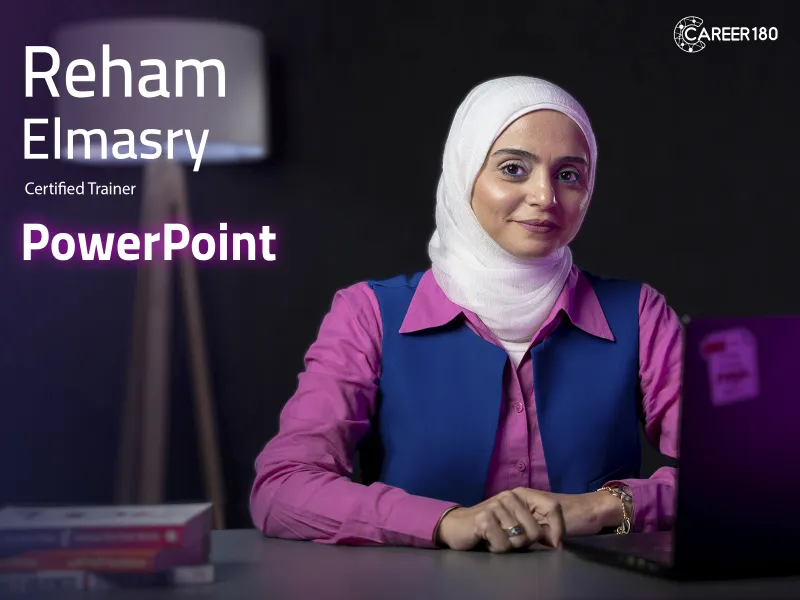
Course 6
In this course, you will learn:
- The PowerPoint interface and its features.
- The different features of the home tab.
- The different features of the insert tab.
- The different features of the draw tab.
- The different features of the design tab.
- How to make transitions between slides?
- How to make an animation in PowerPoint?
- How to record your presentation?
- The different features of the view tab.
- The different features of the review tab.
-
Intro
59 seconds -
PowerPoint Interface
7 minutes 48 seconds -
File Tab
11 minutes 7 seconds -
Home Tab Part 1
12 minutes 51 seconds -
Home Tab Part 2
11 minutes 36 seconds -
Insert Tab Part 1 (Pictures)
11 minutes 45 seconds -
Insert Tab Part 2 (Tables)
11 minutes 10 seconds -
Insert Tab Part 3 (Albums & Screenshots)
1 minute 53 seconds -
Insert Tab Part 4 (Shapes & Icons)
10 minutes 24 seconds -
Insert Tab Part 5 (Smart Art & Charts)
7 minutes 20 seconds -
Insert Tab Part 6 (Links)
11 minutes 3 seconds -
Insert Tab Part 7 (comments & Text)
8 minutes 48 seconds -
Insert Tab Part 8 (Symbols & Media)
10 minutes 39 seconds -
Draw Tab
3 minutes 24 seconds -
Design Tab
7 minutes 20 seconds -
Transitions Tab
4 minutes 37 seconds -
Animation Tab
7 minutes 21 seconds -
Slide Show Tab
9 minutes 52 seconds -
Record Tab
2 minutes 16 seconds -
Review Tab
6 minutes 27 seconds -
View Tab
4 minutes 39 seconds -
Help & Acrobat
9 minutes 3 seconds
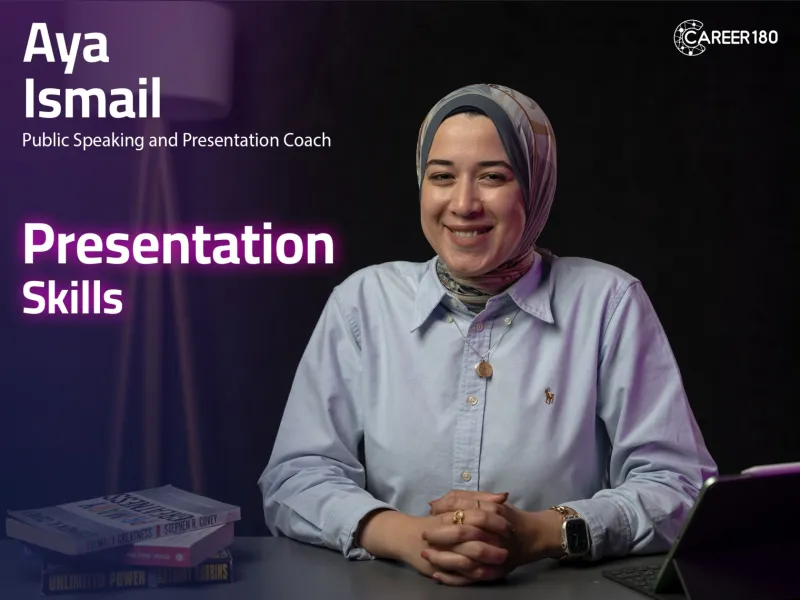
Course 7
You will learn to:
- Organise and structure your presentations effectively for clear communication.
- Use body language and vocal techniques to engage and connect with your audience.
- Overcome nervousness and build confidence in delivering presentations.
-
Introduction
2 minutes 7 seconds -
Important of public speaking
4 minutes 2 seconds -
Self Confidence
5 minutes 22 seconds -
Body and Hands Movements
9 minutes 36 seconds -
Facial Expression and Eye-contact
9 minutes 30 seconds -
Tonality
9 minutes 6 seconds -
Overcoming Difficulties
5 minutes 51 seconds -
Online Meeting Session
4 minutes 27 seconds -
Conclusion
2 minutes 46 seconds
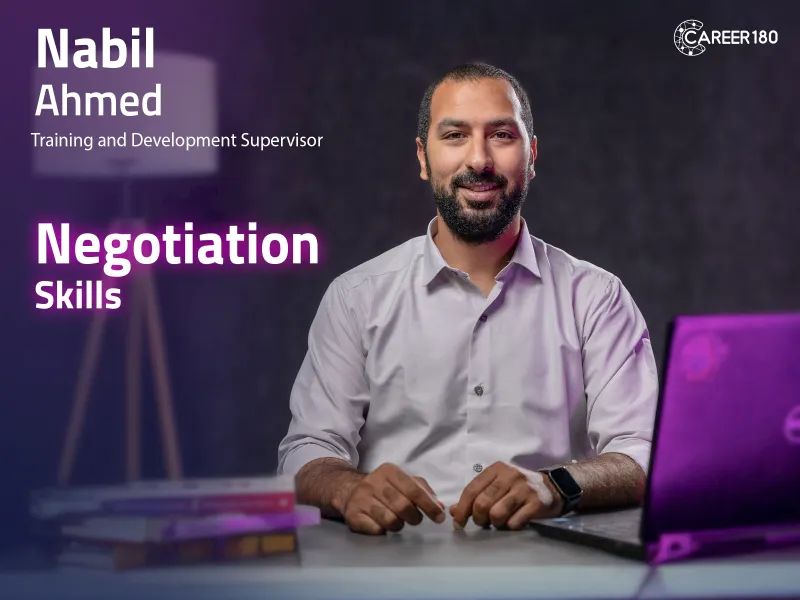
Course 8
1. Grasp the foundational principles of negotiation.
2. Comprehend the key elements of negotiation and familiarize yourself with different negotiation styles.
3. Acquire effective communication skills for successful negotiation.
4. Understand the significance of a robust BATNA (Best Alternative to a Negotiated Agreement) in empowering negotiators.
5. Explore critical pre-negotiation steps to enhance your negotiation approach.
-
Intro
51 seconds -
What is Negotiation? & When is the Negotiation ?
2 minutes 17 seconds -
Negotiation Elements & Negotiation Style
4 minutes 26 seconds -
Communication & Negotiation
5 minutes 59 seconds -
BATNA
2 minutes 36 seconds -
Before the Negotiation & Negotiation Assets
11 minutes 35 seconds -
Conclusion
2 minutes 56 seconds

Course 9
This program is a preparation for your first step in university life to get ready to the job market and choose the suitable career for you in different colleges like:
- Business
- Computer Science.
- Language and Translation.
- Mass Communication
- Applied Art
- Economics and Political Science
- Artificial Intelligence
- Engineering
- Pharmacy
- Science
- Law
- Arts
So get ready to take your first step to make your own and unique success journey.
-
Business
13 minutes 40 seconds -
Computer Science
12 minutes 42 seconds -
Artificial Intelligence
8 minutes 59 seconds -
Economics and Political Science
11 minutes 51 seconds -
Mass Communication
5 minutes 8 seconds -
Pharmacy
16 minutes 41 seconds -
Applied Art
9 minutes 19 seconds -
Engineering
5 minutes 17 seconds -
Languages and Translation
6 minutes 54 seconds -
Science
5 minutes 31 seconds -
Arts
2 minutes 54 seconds -
Law
8 minutes 43 seconds
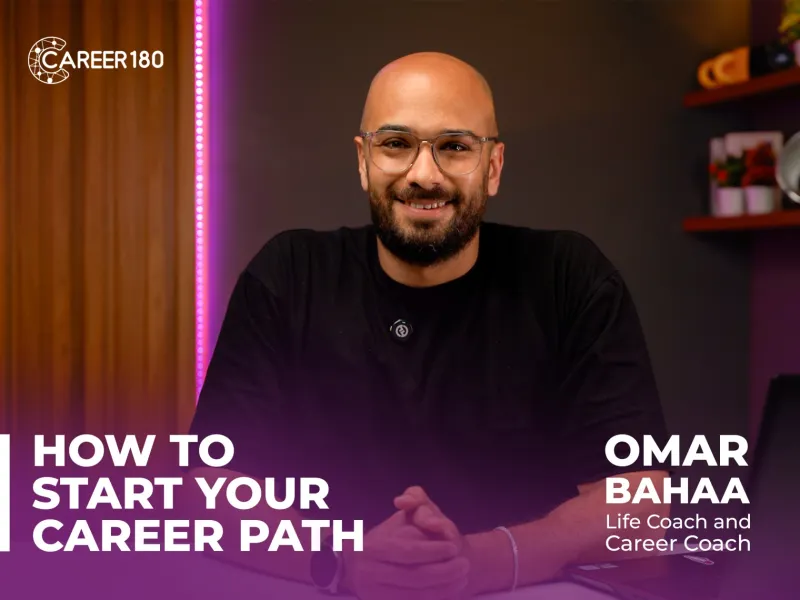
Course 10
This career development course online helps learners design and begin a clearer career path. It combines self-discovery, decision-making, job-market insight, and professional portfolio development so learners can take informed first steps toward employment or a new field. The course focuses on the mindset, tools, and strategies needed to move from uncertainty to a practical career direction.
What You Will Learn:
- How self-discovery supports career decisions.
- How to evaluate options and choose a career direction.
- How market insights can guide your next steps.
- How to prepare for entering the job market.
- How to build a professional portfolio.
- How to create a practical starting plan for your career journey.
- How to present yourself more clearly to employers.
-
Introduction
1 minute 13 seconds -
Decision Making
2 minutes 30 seconds -
Strengths
4 minutes 18 seconds -
Values
4 minutes 8 seconds -
Career Interests
7 minutes 40 seconds -
Practice: Holland Test
2 minutes -
Market Awareness
3 minutes 8 seconds -
Section Highlights
1 minute 33 seconds -
University Tools, Internships & Activities
3 minutes 35 seconds -
Career Portfolio (CV – Portfolio – Cover Letter – Resume)
3 minutes 27 seconds -
LinkedIn
2 minutes 39 seconds -
Section Highlights
49 seconds -
What is a Career Journey?
1 minute 56 seconds -
Labor Market Trends
2 minutes 30 seconds -
Career Shifts
4 minutes 18 seconds -
Next-Level Skills
1 minute 2 seconds -
Communication & Tools
3 minutes 34 seconds -
Meeting Etiquette
1 minute 40 seconds -
Email & Digital Writing
3 minutes 4 seconds -
Building Your Development Plan
5 minutes 13 seconds -
Wrap Up
53 seconds
Subscriptions
Start watching our recorded courses in different fields with our great experts
1 Month Subscription
Benefits
- Full access to all courses
- Full access to material of courses
- Engage with course instructors
- Get certificate of completion
1 Year
Benefits
- Full access to all courses
- Full access to material of courses
- Engage with course instructors
- Get certificate of completion
3 Months
Benefits
- All one month subscription perks
- Access for three months
- Access for 3 users