
Data Analysis
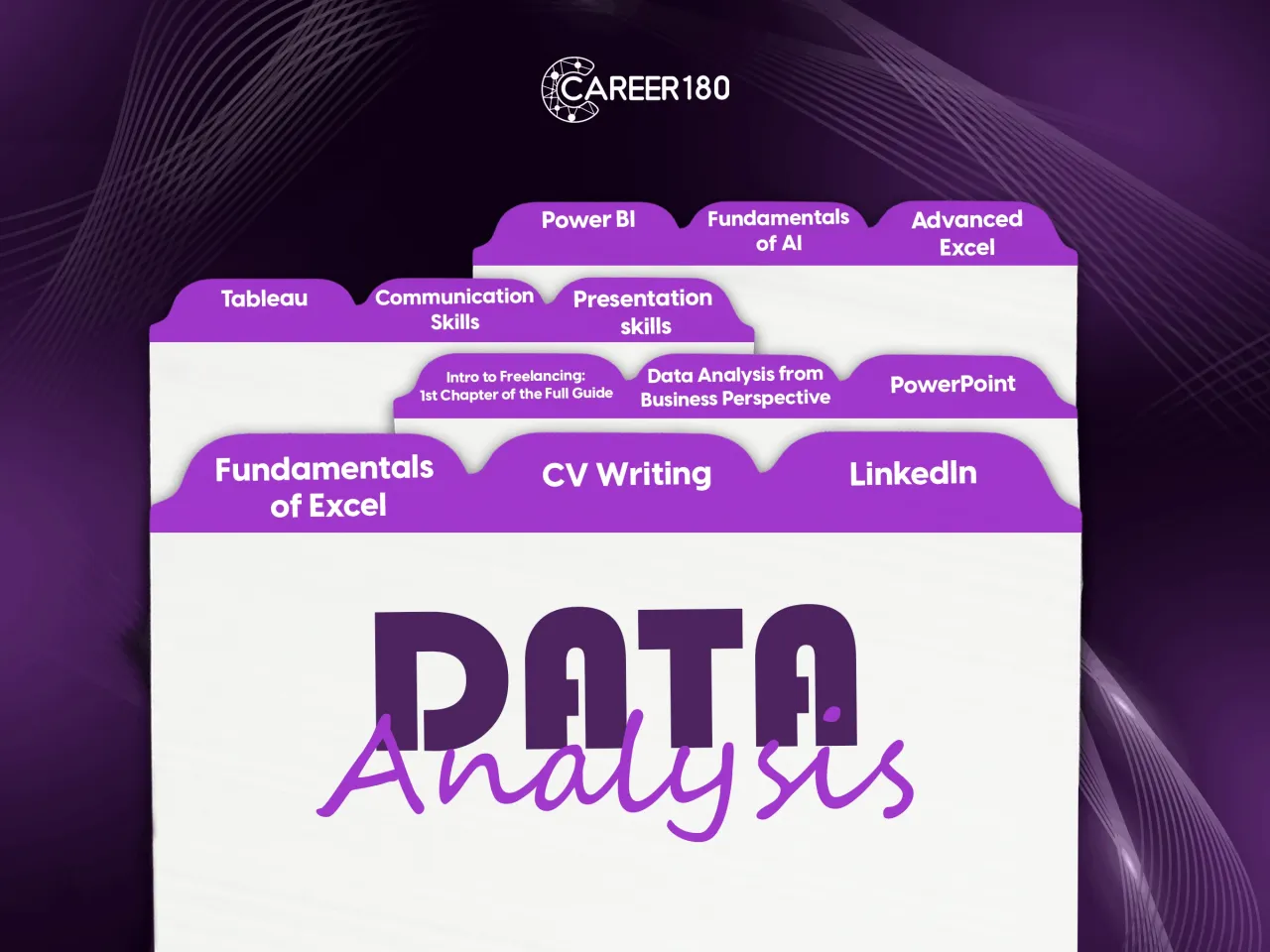
Jump into the world of data analysis with our Data Analysis Bundle. Whether you're new to it or want to get better, we've got easy-to-follow courses. From mastering Excel to using Power BI, we help you understand and use data in today's work world.
Learning outcomes:
- Excel Mastery:
- Dive into the fundamentals of Excel, unraveling its powerful features for data organization, manipulation, and visualization.
- Learn advanced functions, formulas, and data cleaning techniques to transform raw data into valuable insights.
- Powerful Insights with Power BI:
- Unlock the potential of Power BI, Microsoft's cutting-edge business analytics tool.
- Discover how to connect to various data sources, create visually appealing reports, and share compelling insights with stakeholders.
- Becoming a Data Analyst:
- Gain a holistic understanding of the role of a data analyst and the skills required to thrive in the industry.
- Explore best practices in data analysis, data visualization, and effective communication of findings.
- Tableau Fundamentals:
- Discover the intuitive world of Tableau for data visualization.
- Create compelling dashboards and interactive reports to tell a compelling data story.
- Harness the power of Tableau to make informed decisions and drive business success.
- Excel Proficiency: Learn essential functions and formulas for data manipulation and visualization.
- Power Pi Mastery: Explore advanced data modeling using Power Pivot and Power Query, and create insightful reports with Power BI.
- Data Analysis Essentials: Develop skills in cleaning, transforming, and analyzing data for informed decision-making.
- Tableau Fundamentals: Understand the basics of Tableau for creating compelling data visualizations and interactive dashboards.
- Hands-On Application: Apply knowledge through practical exercises, gaining confidence in real-world data analysis.
- Career-Ready Skills: Acquire foundational skills to pursue a career as a data analyst and contribute to data-driven decision-making.

Course 1
This online Excel course introduces the tools needed to navigate worksheets, organize data, and work more confidently with spreadsheet content. It explains the purpose of Excel tabs, paste options, symbols, cell types, formatting, protection, formulas, and functions. Learners also see how tables can make data from different sources easier to review and compare.
What You Will Learn:
- The content and purpose of the main Excel tabs.
- How to navigate an Excel worksheet.
- How to use different paste options for values and formats.
- How to access symbols in Excel.
- How cell types affect work within a worksheet.
- How to format and protect an Excel sheet.
- How formulas and functions support spreadsheet work.
- How to organize data in tables for easier comparison.
-
Intro
1 minute 3 seconds -
Getting Started
4 minutes 8 seconds -
Tabs
4 minutes 49 seconds -
Navigation
3 minutes 14 seconds -
Paste
3 minutes 47 seconds -
Symbols
1 minute 50 seconds -
Cell Type
3 minutes 35 seconds -
Tables
3 minutes 54 seconds -
Freeze
1 minute 15 seconds -
Protect
2 minutes 16 seconds -
Formatting
9 minutes -
Conditional Formatting
5 minutes 43 seconds -
Formulas (Equal)
2 minutes 28 seconds -
Dollar Sign
6 minutes 34 seconds -
Formulas (IF)
4 minutes 2 seconds -
Formulas (IFs)
5 minutes 43 seconds -
Sum/Sumifs, Average/Averageifs, Count/Countifs
7 minutes 6 seconds -
Vlookup, Hlookup
11 minutes 2 seconds -
Max/Min, Large/Small
5 minutes 21 seconds -
Charts
8 minutes 10 seconds -
Conclusion
4 minutes 22 seconds

Course 2
"In this course you will learn:
- What is lookup and reference functions?
- What is power functions and how to use it?
- The difference between IF and IFS function and how to apply it.
- How to mix formulas?
- How to link between different Excel sheets?
- How to create, design and edit pivot tables?
- How to create and design graphs and charts
- What is text functions.
- How to use macro tool?"
Introduction
-
Intro
1 minute 9 seconds
Excel in Advance
-
Excel Secrets
10 minutes 51 seconds -
Lookup and Reference Functions
9 minutes 29 seconds -
"Power" Functions
3 minutes 37 seconds -
"Text" Functions
7 minutes 51 seconds -
Mixing Formulas
7 minutes 9 seconds -
Drop Down List
6 minutes 55 seconds -
Linking Different Excel Sheets
3 minutes 6 seconds -
Pivot Tables
6 minutes 22 seconds -
How to Use Charts and Graphs
4 minutes 39 seconds -
The Magic of Macro Tool
5 minutes 29 seconds -
Conclusion
34 seconds
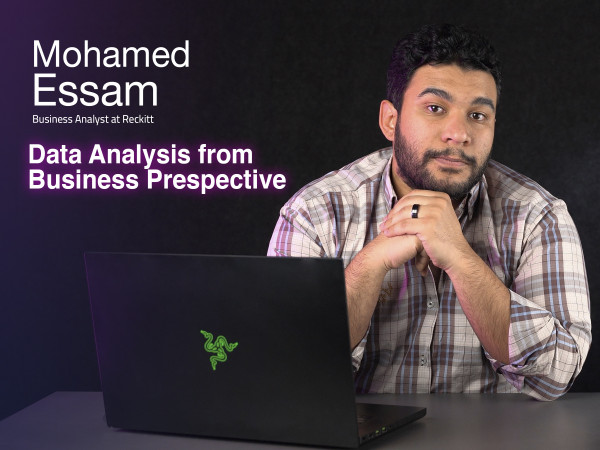
Course 3
In this course you will learn:
- How to document your data and use pivot table.
- How to manage the data you're inserting and merge it all in one sheet.
- Understand the types of data and how to deal with multiple data.
- What is cleaning and transforming.
- How to adjust the data errors that might appear.
- the importance of the time factor and how to apply it on calculated measures.
- Usage of excel calendar and visualization.
-
Intro to Data Analysis
5 minutes 40 seconds -
Why Pivot Table
4 minutes 47 seconds -
Pivot Table
7 minutes 25 seconds -
Power Pivot
8 minutes 51 seconds -
Data Model
9 minutes 22 seconds -
Connecting with Different Data Types
12 minutes 6 seconds -
Power Query
3 minutes 50 seconds -
Data Cleaning & Transformation
15 minutes 45 seconds -
Intro to DAX Functions
3 minutes -
DAX Functions
9 minutes 27 seconds -
Calculated Measures
11 minutes 55 seconds -
Calendars
6 minutes 38 seconds -
Dynamic Time Intelligence
14 minutes 39 seconds -
Chart Types
11 minutes 5 seconds -
Dynamic Dashboard
11 minutes 22 seconds

Course 4
This Power BI course introduces the core steps used to connect, organize, relate, and visualize data in Power BI. It explains how Power BI differs from Excel sheets and how relationships, dashboards, and slicers help turn connected data into accessible visual reports.
What You Will Learn:
- The difference between working with Excel sheets and Power BI.
- How to connect data sources in Power BI.
- The different types of relationships used between data.
- How to manage relationships within a data model.
- How to use dashboards and slicers flexibly.
- How to visualize information through report boards.
- How the Power BI layout supports analysis and documentation.
-
Intro
2 minutes 27 seconds -
Power BI Layout
2 minutes 8 seconds -
Data Model and Relations
6 minutes 12 seconds -
Power BI Visual
9 minutes 26 seconds -
Dynamic Dashboard and Slicers
14 minutes 4 seconds -
Power BI Service
14 minutes 5 seconds

Course 5
This Tableau course builds a foundation in data visualization and shows how raw numerical data can be transformed into meaningful visual insights. Learners are introduced to Tableau installation, data import and manipulation, visualization methods, advanced analysis techniques, ethical presentation, dashboard design, and interactive storytelling.
What You Will Learn:
- Why data visualization matters and how Tableau supports it.
- How to install Tableau and apply concepts through a case study.
- How to import and manipulate data within Tableau.
- How to choose and create different visualization types.
- How to analyze trends, detect outliers, and work with multiple variables.
- The ethical responsibilities involved in presenting data visually.
- How to design an effective dashboard.
- How to communicate a clear story through interactive data visualizations.
-
Intro
2 minutes 56 seconds -
Why Data Visualisation
2 minutes 25 seconds -
How to install tableau
2 minutes 9 seconds -
Case study
2 minutes 45 seconds -
Import data to tableau
4 minutes 51 seconds -
Types of visualisations in tableau
1 minute 29 seconds -
From numbers to visualisation
1 minute 16 seconds -
Trend overtime
9 minutes 54 seconds -
More visualisations
9 minutes 35 seconds -
Ethics in data visualisation
4 minutes 10 seconds -
Visual Perception
5 minutes 3 seconds -
Pre attentive attributes
4 minutes 1 second -
Ask you a question
3 minutes 29 seconds -
Outliers
9 minutes 44 seconds -
More than one variable chart
9 minutes 23 seconds -
Working with geographic data
9 minutes 5 seconds -
Creating a dashboard
27 minutes 35 seconds -
Best practice for dashboard
9 minutes 3 seconds -
How to tell a story with data
2 minutes -
Creating interactive story
15 minutes 44 seconds -
Conclusion
2 minutes 9 seconds

Course 6
In this course you will learn:
- How to write a CV in a professional and attractive way.
- Difference between career objectives and career highlights and how to summarize it.
- How to highlight your achievements in your CV.
- How to describe your skills, extracurricular activities, courses, certificates, and personal details in your CV
-
Intro
46 seconds -
Content Details
2 minutes 9 seconds -
Career Objectives
57 seconds -
Education
1 minute 7 seconds -
Work and Internship Experience
1 minute 47 seconds -
Extracurricular Activities
1 minute 56 seconds -
Courses
1 minute 15 seconds -
Certificates
1 minute 30 seconds -
Skills
3 minutes 16 seconds -
Personal Details
1 minute 30 seconds -
Tips & Tricks
3 minutes 37 seconds

Course 7
This LinkedIn course teaches job seekers how to build a more professional presence on LinkedIn and use the platform during their job search. It explains the difference between personal profiles and company pages, then covers profile development, resume creation, networking, platform features, and finding suitable opportunities.
What You Will Learn:
- The difference between a personal profile and an official company page.
- The main LinkedIn features available to job seekers.
- How to develop a professional LinkedIn profile.
- How LinkedIn can support your personal brand.
- How to build or present a resume through LinkedIn.
- How to search for suitable jobs on the platform.
- How to grow a relevant professional network.
- How profile information can support professional visibility.
-
Intro
1 minute 16 seconds -
LinkedIn Profile VS. Pages Part 1
7 minutes 25 seconds -
LinkedIn Profile VS. Pages Part 2
13 minutes 44 seconds -
LinkedIn Features
9 minutes 51 seconds -
How to Find Jobs on LinkedIn Part 1
14 minutes 56 seconds -
How to Find Jobs on LinkedIn Part 2
15 minutes 21 seconds -
Networking
4 minutes 21 seconds -
Tips and Tricks
10 minutes 20 seconds
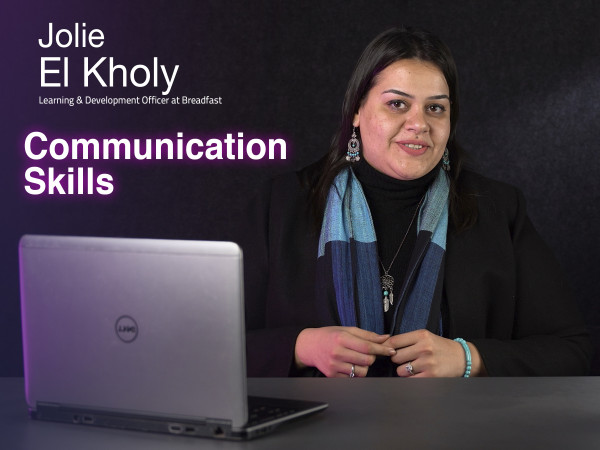
Course 8
In this course you will learn:
- What is Albert Mehrabian`s theory.
- The importance of context.
- The difference between listening and hearing.
- How to setup your mind.
- What is the ego states.
- How to handle meetings.
- The importance of negotiation skills.
- How to deal with feedbacks.
- How to write formally.
-
Intro
2 minutes 55 seconds -
Communication building block: People
3 minutes 43 seconds -
Communication building block: Message
6 minutes 18 seconds -
Communication building block: Context
5 minutes 7 seconds -
Introvert/Extrovert Misconception
5 minutes 52 seconds -
Listening Traps
7 minutes 31 seconds -
Triggering Points
7 minutes 39 seconds -
Articulating Thoughts
4 minutes 58 seconds -
Transactional Analysis
9 minutes 35 seconds -
Meetings
11 minutes 47 seconds -
Persuasion & Negotiation
6 minutes 21 seconds -
Giving & Receiving Feedback
5 minutes 32 seconds -
Written Communication
10 minutes 30 seconds
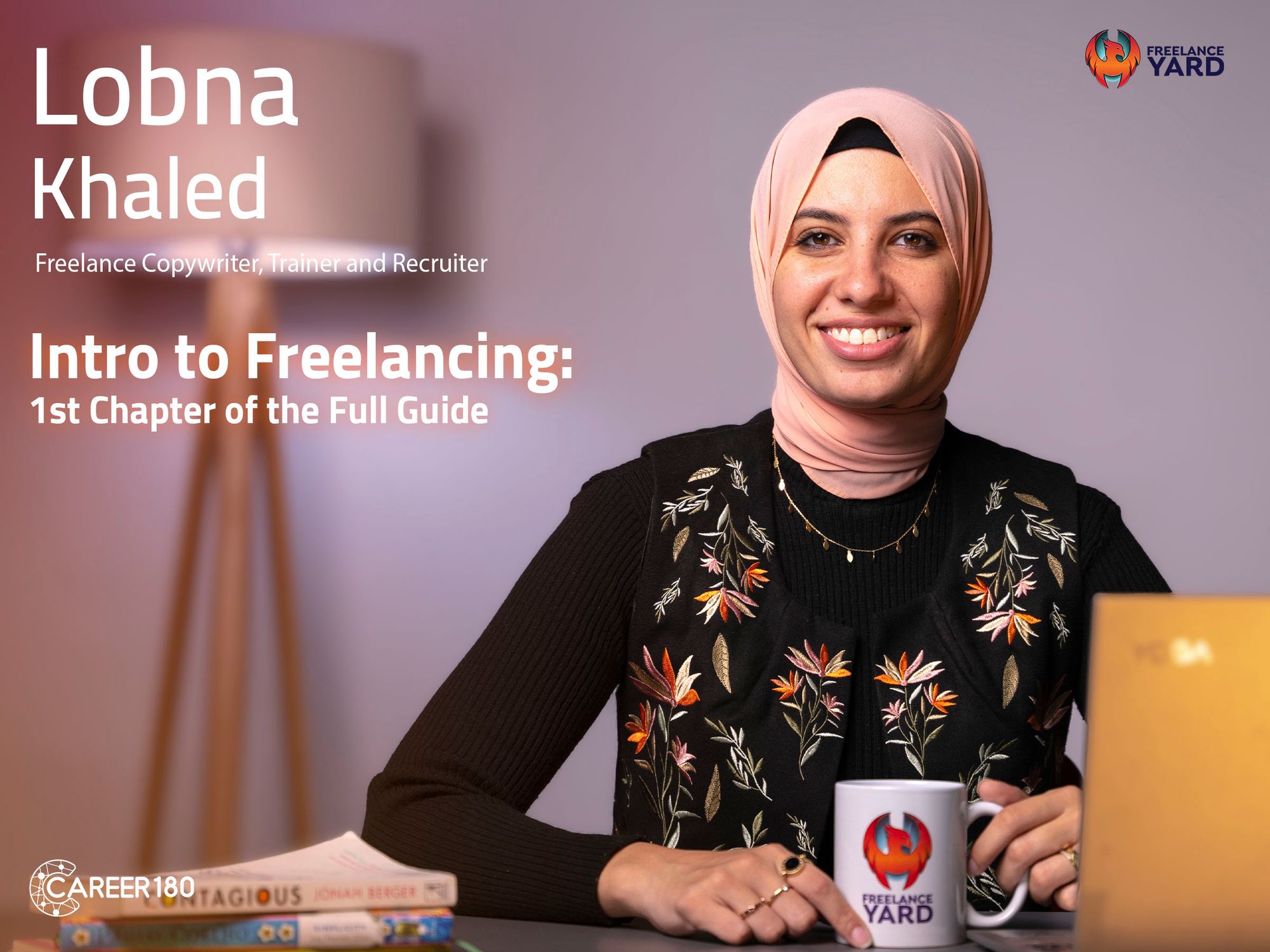
Course 9
This introduction to freelancing helps learners decide whether the freelance lifestyle matches their goals and expectations. It presents the potential of freelance work alongside its practical realities, competition, career-path options, and the planning needed to begin building a portfolio and a sustainable direction.
What You Will Learn:
- What freelancing is and the opportunities it can offer.
- How freelancing expectations may differ from reality.
- What to consider before choosing the freelance lifestyle.
- How competition can affect new freelancers.
- The four career paths presented for freelancers.
- How to begin creating an actionable career roadmap.
- Why portfolio development matters when pursuing freelance work.
- How the introduction supports a final decision about continuing into freelancing.
-
Intro
1 minute 58 seconds -
Where Do you See yourself After 5 Years?
6 minutes 21 seconds -
Different between Freelancing, Remote Work and other Scenarios
9 minutes 33 seconds -
What it Takes to be a Freelancer?
6 minutes 14 seconds -
What it Takes to be a PERFECT Freelancer
8 minutes 58 seconds -
Freelancers Career Path
6 minutes 54 seconds -
What's True and What's not True about Freelancing
10 minutes 23 seconds -
Deal Breakers
7 minutes 9 seconds -
Action Plan
3 minutes 30 seconds
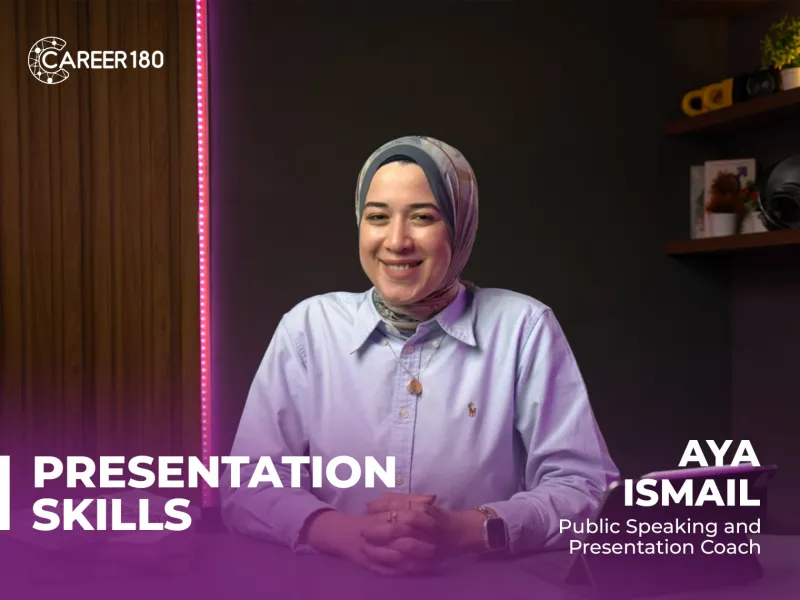
Course 10
This presentation skills course teaches learners how to organize and deliver presentations with greater clarity and confidence. It covers presentation structure, body language, vocal delivery, audience engagement, and practical ways to manage nervousness when speaking in front of others.
What You Will Learn:
- How to plan and structure a presentation effectively.
- How to communicate ideas in a clear sequence.
- How to use body language to support your message.
- How voice, pace, and tone influence audience attention.
- How to connect with and engage an audience.
- How to manage nervousness and build delivery confidence.
- How presentation practice can improve public speaking skills.
-
Introduction
2 minutes 7 seconds -
Important of public speaking
4 minutes 2 seconds -
Self Confidence
5 minutes 22 seconds -
Body and Hands Movements
9 minutes 36 seconds -
Facial Expression and Eye-contact
9 minutes 30 seconds -
Tonality
9 minutes 6 seconds -
Overcoming Difficulties
5 minutes 51 seconds -
Online Meeting Session
4 minutes 27 seconds -
Conclusion
2 minutes 46 seconds

Course 11
This PowerPoint course introduces the main tools used to build and deliver organized presentations. Learners explore the PowerPoint interface, slide layouts, design features, inserted elements, transitions, animations, recording options, and the tools available for reviewing and presenting their work.
What You Will Learn:
- How to navigate the PowerPoint interface and its main features.
- How to use the Home, Insert, Draw, and Design tabs.
- How to organize information through effective slide layouts.
- How images, charts, and visual hierarchy support a clear story.
- How to add slide transitions and animations.
- How to record a presentation in PowerPoint.
- How to use the View and Review tabs.
- How to prepare a clearer, more polished presentation.
-
Intro
59 seconds -
PowerPoint Interface
7 minutes 48 seconds -
File Tab
11 minutes 7 seconds -
Home Tab Part 1
12 minutes 51 seconds -
Home Tab Part 2
11 minutes 36 seconds -
Insert Tab Part 1 (Pictures)
11 minutes 45 seconds -
Insert Tab Part 2 (Tables)
11 minutes 10 seconds -
Insert Tab Part 3 (Albums & Screenshots)
1 minute 53 seconds -
Insert Tab Part 4 (Shapes & Icons)
10 minutes 24 seconds -
Insert Tab Part 5 (Smart Art & Charts)
7 minutes 20 seconds -
Insert Tab Part 6 (Links)
11 minutes 3 seconds -
Insert Tab Part 7 (comments & Text)
8 minutes 48 seconds -
Insert Tab Part 8 (Symbols & Media)
10 minutes 39 seconds -
Draw Tab
3 minutes 24 seconds -
Design Tab
7 minutes 20 seconds -
Transitions Tab
4 minutes 37 seconds -
Animation Tab
7 minutes 21 seconds -
Slide Show Tab
9 minutes 52 seconds -
Record Tab
2 minutes 16 seconds -
Review Tab
6 minutes 27 seconds -
View Tab
4 minutes 39 seconds -
Help & Acrobat
9 minutes 3 seconds

Course 12
This artificial intelligence course online introduces the main concepts behind AI and explains how the technology is used across industries and real-world situations. It also addresses ethical considerations, development challenges, and the influence of AI on the future of work and technology, giving beginners a clear foundation before further study.
What You Will Learn:
- The basic meaning of artificial intelligence.
- The key AI concepts covered in the course.
- How AI is applied in different industries.
- Examples of AI in real-world scenarios.
- Ethical considerations linked to AI development.
- Challenges that can arise while developing AI systems.
- How AI may affect the future of work.
- How AI is influencing technology.
-
Intro
50 seconds -
Definition of AI
3 minutes 6 seconds -
History of AI
2 minutes 56 seconds -
Types of AI
2 minutes 53 seconds -
Application of AI
8 minutes 21 seconds -
Data of AI
3 minutes 17 seconds -
Ethics and challenges AI
2 minutes 7 seconds -
New Careers in AI
7 minutes 35 seconds -
First Next step
3 minutes 10 seconds
Subscriptions
Start watching our recorded courses in different fields with our great experts
1 Month Subscription
Benefits
- Full access to all courses
- Full access to material of courses
- Engage with course instructors
- Get certificate of completion
1 Year
Benefits
- Full access to all courses
- Full access to material of courses
- Engage with course instructors
- Get certificate of completion
3 Months
Benefits
- All one month subscription perks
- Access for three months
- Access for 3 users