

Creative, Design and Multimedia
VFX in After Effects
This video editing and VFX course introduces entry-level motion designers to creating visual effects in Adobe After Effects. It focuses on the essential techniques used to isolate subjects, track movement, remove unwanted elements, build compositions, and combine effects within video scenes.
What You Will Learn:
- How to create visual effects in After Effects.
- How to perform green-screen keying.
- How to track elements within a scene.
- How to use a 3D tracker.
- How to remove elements from a video.
- How to build a composition.
- How to use inpainting techniques.
- How to create VFX using the course's Runaway workflow.
This course is designed for entry-level motion designers who want to understand the core VFX workflow in After Effects. It is suitable for beginners who already have an interest in motion design and want to build a clearer foundation in keying, tracking, compositing, element removal, and visual-effects production.
Course content
Introduction
-
Intro
1 minute 28 seconds
Making VFX in After Effects
-
Five Before you Go (Disclaimers)
2 minutes 13 seconds -
Power of After Effects
5 minutes 16 seconds -
Green Screen Intro
5 minutes 53 seconds -
Green Screen Detailed
3 minutes 10 seconds -
Tracking Part 1
9 minutes 18 seconds -
Tracking Part 2
3 minutes 44 seconds -
Corner Pin
3 minutes 37 seconds -
3D Camera Tracker Part 1
2 minutes 59 seconds -
3D Camera Tracker Part 2
3 minutes 14 seconds -
Warp Stabilizer
8 minutes 10 seconds -
Face Tracking
3 minutes 47 seconds -
Rotoscoping Part 1
12 minutes 26 seconds -
Compositing
12 minutes 56 seconds -
Rotoscoping Part 2
3 minutes 45 seconds -
More Composition
19 minutes 47 seconds -
Inpainting Content Aware Fill
8 minutes 28 seconds -
Disclaimer
2 minutes 33 seconds -
Runway
5 minutes 38 seconds
Meet your instructor

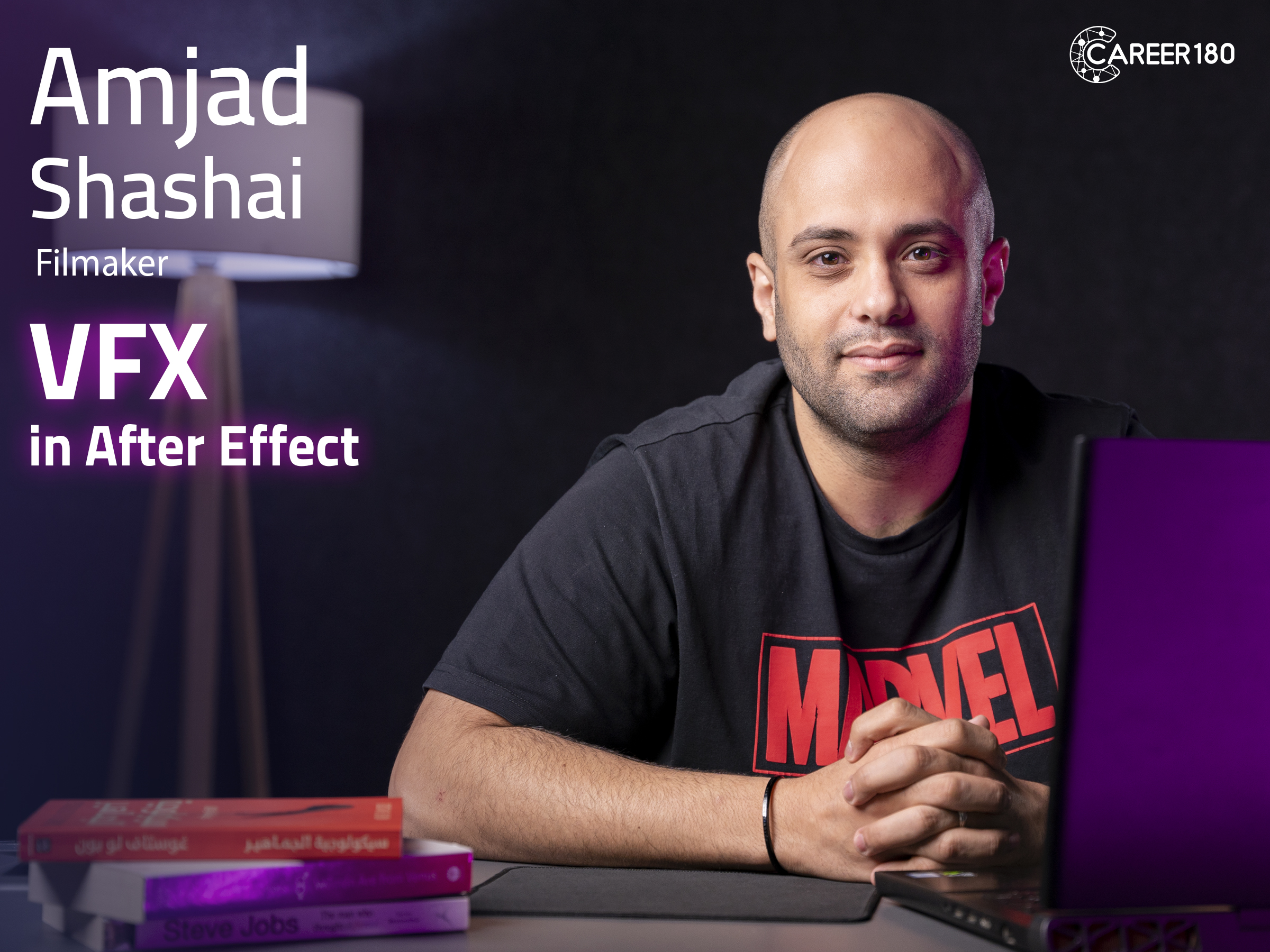
Amjad Shashai
Creative Director with 11 years of experience in Advertising, Branding, Motion, Photography, Visual effects and +2400 hours Almost 10 years of various experiences in branding, motion graphics, photography, videography fields and Digital Marketing with +2300 hours instructing courses, events professional talks & presentations and a background experience in IT
Subscriptions
Start watching our recorded courses in different fields with our great experts
1 Month Subscription
Benefits
- Full access to all courses
- Full access to material of courses
- Engage with course instructors
- Get certificate of completion
1 Year
Benefits
- Full access to all courses
- Full access to material of courses
- Engage with course instructors
- Get certificate of completion
3 Months
Benefits
- All one month subscription perks
- Access for three months
- Access for 3 users