

Creative, Design and Multimedia
Video Editing from Scratch
This video editing course teaches beginners how to edit photos and videos with Adobe Premiere from scratch. It covers the full basic workflow, from creating a project and using shortcuts to editing cuts, improving audio, correcting colors, adding text, and producing subtitled videos.
What You Will Learn:
- What video is and how to create a new Adobe Premiere project.
- How to use and customize Adobe Premiere shortcuts.
- How to apply cut-on-action, fade-in, fade-out, L-cuts, J-cuts, and jump cuts.
- How to transform photos within a project.
- How to reduce noise and improve audio quality using different tools.
- How to work with audio recorded through an external microphone.
- How to use color correction and color grading for photos and videos.
- How to add text and subtitles.
- How to recognize and handle common Adobe Premiere mistakes.
This course is for beginners who want a clear way to learn video editing and use Adobe Premiere professionally from the basics. It also suits learners looking for a practical video editing course in Egypt that explains the essential tools and techniques needed to create polished photo and video projects.
-
Intro
54 seconds -
What is Video?
6 minutes 5 seconds -
New Project
1 minute 15 seconds -
Workspace
1 minute 28 seconds -
Timeline
1 minute 39 seconds -
Montage
3 minutes -
Layers
2 minutes 4 seconds -
Exporting
2 minutes 22 seconds -
Exercise 1
2 minutes 41 seconds -
Shortcuts
7 minutes 26 seconds -
Slow Motion
8 minutes 29 seconds -
Cuts and Transfers
8 minutes 40 seconds -
Cut on Action
1 minute 29 seconds -
Fade-in and Fade-out
2 minutes 16 seconds -
L Cut and J Cut
2 minutes 56 seconds -
Jump Cut
3 minutes 9 seconds -
Transform
2 minutes 48 seconds -
Key Frames
4 minutes 49 seconds -
Audio Gain and Mixing
5 minutes 53 seconds -
Mastering Audio
3 minutes 15 seconds -
Noise Reduction
1 minute 45 seconds -
Synchronize Audio
3 minutes 37 seconds -
Video Effects
6 minutes 55 seconds -
Color Correction
3 minutes 27 seconds -
Color Grading
2 minutes 27 seconds -
Curves
4 minutes 21 seconds -
Masking
3 minutes 23 seconds -
Chroma
6 minutes 31 seconds -
Text
4 minutes 24 seconds -
Essential Graphics
1 minute 25 seconds -
Subtitles
2 minutes 25 seconds -
Common Mistakes
7 minutes 56 seconds
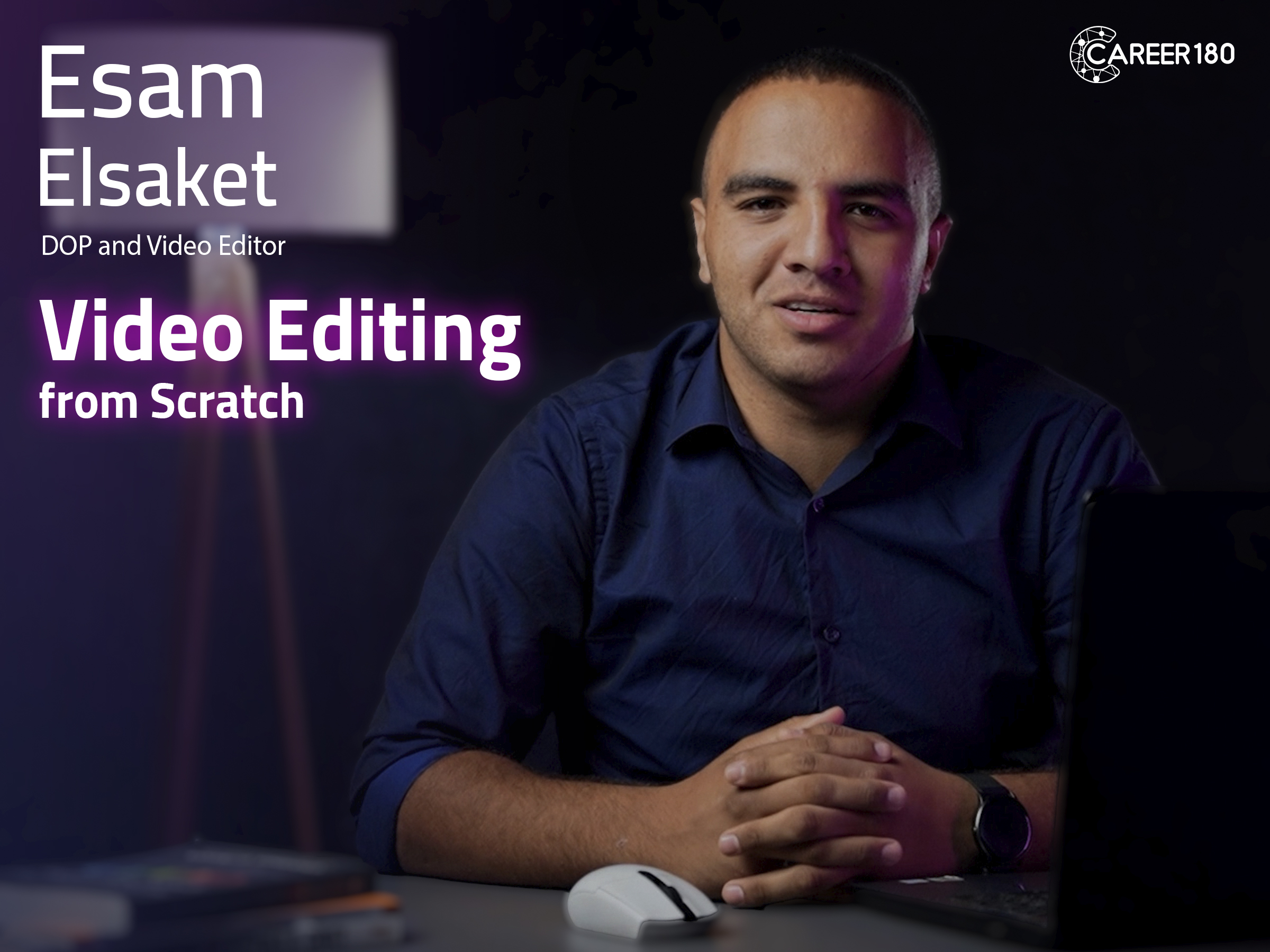
Meet your instructor

Esam Elsaket
Experienced Videographer with a demonstrated history of working in the marketing and advertising industry. Skilled in Videography, Adobe Photoshop, Video Editing, Video Color Grading, and After Effects. Strong media and communication professional graduated from Cairo University.
Subscriptions
Start watching our recorded courses in different fields with our great experts
1 Month Subscription
Benefits
- Full access to all courses
- Full access to material of courses
- Engage with course instructors
- Get certificate of completion
1 Year
Benefits
- Full access to all courses
- Full access to material of courses
- Engage with course instructors
- Get certificate of completion
3 Months
Benefits
- All one month subscription perks
- Access for three months
- Access for 3 users