
How to the Lead Creative Industry Field?
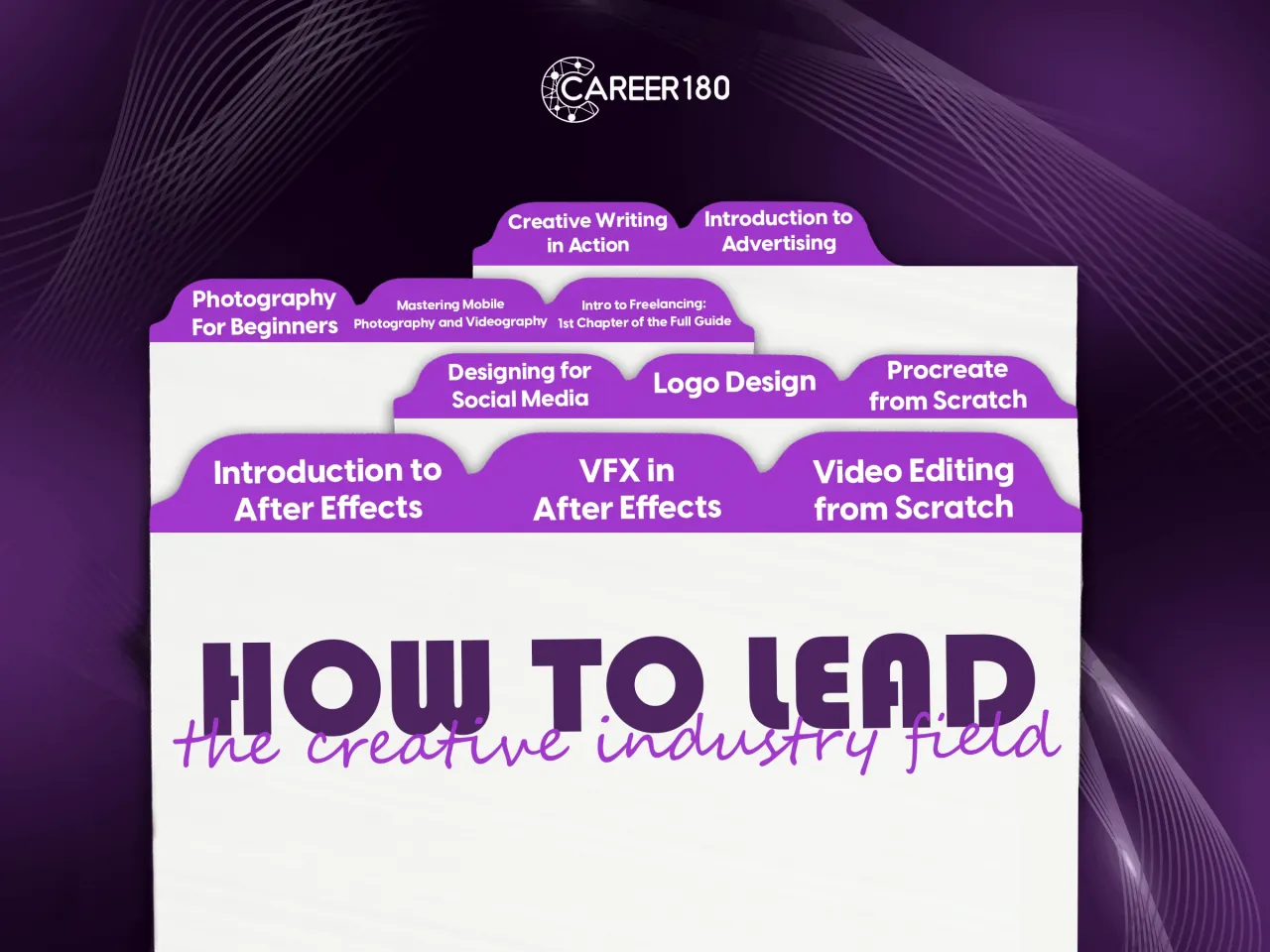
How to lead the creative industry field with our carefully curated bundle of recorded courses. Unleash your artistic potential and master various creative domains with these in-depth courses:
- Master Video Editing Skills:
- Learn professional video editing techniques
- Craft captivating stories through seamless editing
- Visual Effects Creation with Adobe After Effects:
- Start from the beginning and progress to advanced levels
- Dive into the world of visual effects and unleash your imagination
- Master motion graphics and create stunning animations
- Enhance Your Social Media Design with Adobe Photoshop:
- Create eye-catching visuals for social media platforms
- Learn essential Photoshop features for impactful designs
- Logo Designing Made Easy with Adobe Illustrator:
- Create visually striking logos with ease
- Master vector-based tools for precise and professional designs
- Dive into Digital Art with Procreate:
- Learn the fundamentals of digital art creation
- Unleash your creativity with powerful digital painting tools
This bundle is your all-in-one toolkit for unleashing your creativity. Whether you're a beginner or looking to refine your skills, these courses will guide you every step of the way. Unlock your artistic potential, master industry-leading software, and transform your passion into stunning works of art.
- Master video editing techniques using Adobe Premiere to create professional-quality videos.
- Unlock your creativity by exploring advanced visual effects created with Adobe After Effects.
- Develop your design skills with Adobe Photoshop and apply them to captivating social media designs.
- Learn logo designing principles and techniques using Adobe Illustrator for impactful brand identities.
- Dive into the world of digital art with Procreate and unleash your artistic potential.
- Acquire the skills to craft compelling stories through seamless editing and transitions.
- Discover the art of motion graphics and create stunning animations to bring your visions to life.
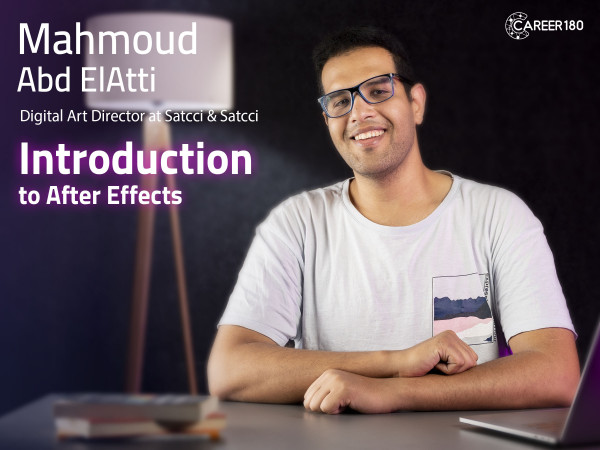
Course 1
This After Effects course introduces the creative and technical workflow used to produce motion graphics and 2D animation. It connects scripts and storyboards with project management, animation principles, keyframes, masks, Trim Paths, illustration preparation, character animation, sound effects, and portfolio development.
What You Will Learn:
- How companies and roles are structured within the creative industry.
- The main script types and the scriptwriting process.
- How a script is converted into a storyboard.
- The different types of motion graphics.
- How to organize a motion-design project workflow.
- The 12 principles of animation.
- How different keyframes are applied in Adobe After Effects.
- How masks and Trim Paths are used.
- How to prepare and animate illustration files.
- How to prepare a character for animation.
- How to create a fake 3D effect through 2D animation.
- How to add sound effects and maintain a professional portfolio.
-
Intro
1 minute 8 seconds -
Company Hierarchy
3 minutes 5 seconds -
Script Writing
4 minutes 12 seconds -
Storyboarding
6 minutes 28 seconds -
Cinematography
4 minutes 37 seconds -
Motion Graphics Types
4 minutes 42 seconds -
Project Work Flow
2 minutes 57 seconds -
Introduction to Adobe After Effects
2 minutes 34 seconds -
Squash and Stretch
1 minute 36 seconds -
Anticipation
1 minute 27 seconds -
Staging
1 minute 37 seconds -
Straight-Ahead Action and Pose-to-Pose
2 minutes 8 seconds -
Follow through and Overlapping Action
1 minute 9 seconds -
Slow in and Slow out
1 minute 17 seconds -
Arc
1 minute 39 seconds -
Secondary Action
44 seconds -
Timing
1 minute 9 seconds -
Exaggeration
59 seconds -
Solid Drawings
1 minute 41 seconds -
Appeal
1 minute 10 seconds -
Framerate
2 minutes 33 seconds -
Keyframes Types
7 minutes 53 seconds -
Curve Editors
3 minutes 11 seconds -
Mask Types
6 minutes 46 seconds -
Morphing
3 minutes 59 seconds -
Path Animation
1 minute 52 seconds -
Trim Path
5 minutes 2 seconds -
Effects Panel
2 minutes 35 seconds -
Preparing your Illustration Files
5 minutes 29 seconds -
Animating inside After Effects
13 minutes 55 seconds -
Character Rigging Part 1
12 minutes 55 seconds -
Character Rigging Part 2
10 minutes 12 seconds -
Character Animation
11 minutes 55 seconds -
Fake 3D (Extrude)
4 minutes 55 seconds -
Fake 3D (Scale)
2 minutes 41 seconds -
Camera Movement
7 minutes 3 seconds -
Exporting from After Effects
4 minutes 59 seconds -
Sound Effects for Motion Graphics
4 minutes 3 seconds -
Portfolio
3 minutes 22 seconds
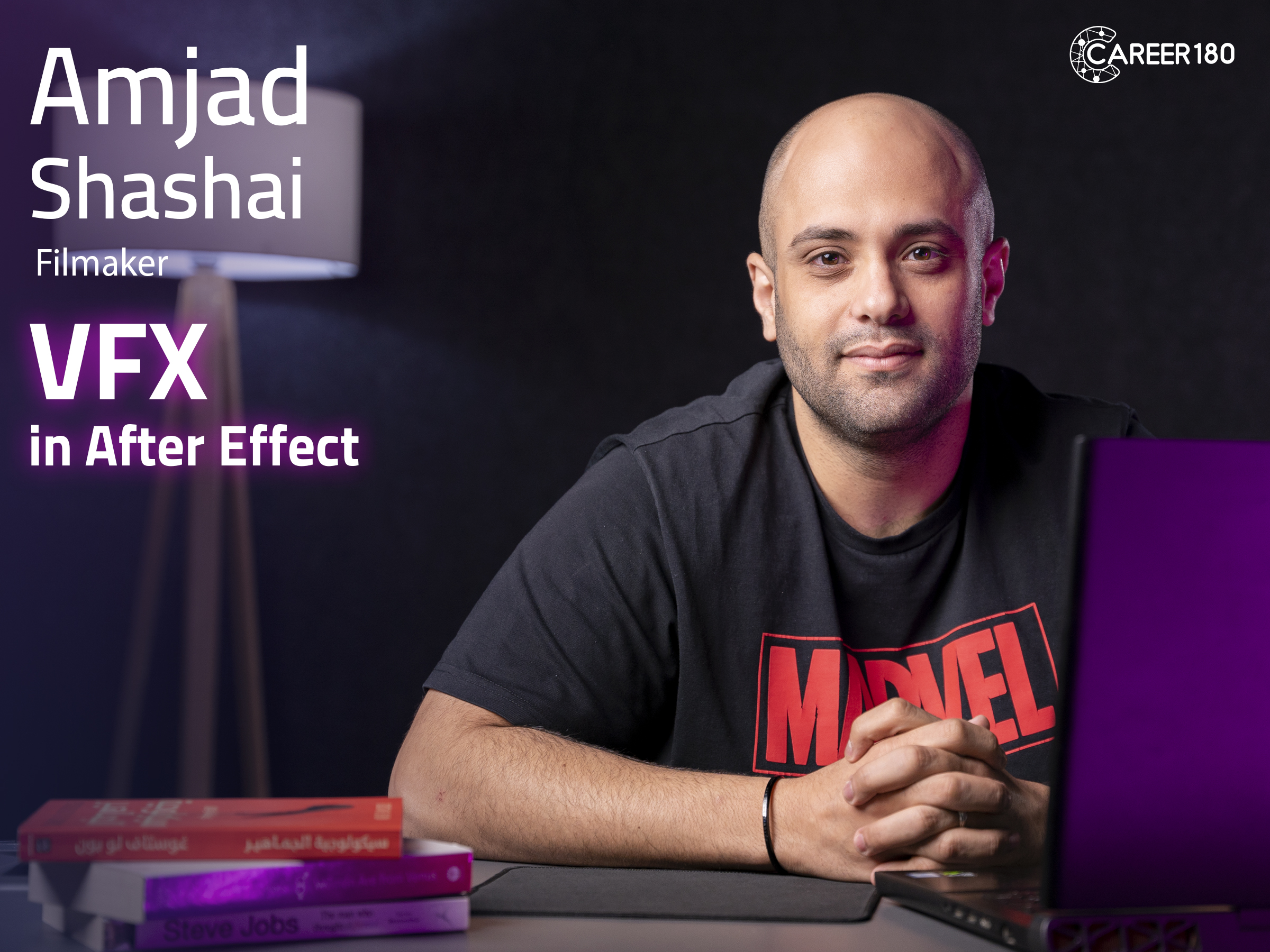
Course 2
This video editing and VFX course introduces entry-level motion designers to creating visual effects in Adobe After Effects. It focuses on the essential techniques used to isolate subjects, track movement, remove unwanted elements, build compositions, and combine effects within video scenes.
What You Will Learn:
- How to create visual effects in After Effects.
- How to perform green-screen keying.
- How to track elements within a scene.
- How to use a 3D tracker.
- How to remove elements from a video.
- How to build a composition.
- How to use inpainting techniques.
- How to create VFX using the course's Runaway workflow.
Introduction
-
Intro
1 minute 28 seconds
Making VFX in After Effects
-
Five Before you Go (Disclaimers)
2 minutes 13 seconds -
Power of After Effects
5 minutes 16 seconds -
Green Screen Intro
5 minutes 53 seconds -
Green Screen Detailed
3 minutes 10 seconds -
Tracking Part 1
9 minutes 18 seconds -
Tracking Part 2
3 minutes 44 seconds -
Corner Pin
3 minutes 37 seconds -
3D Camera Tracker Part 1
2 minutes 59 seconds -
3D Camera Tracker Part 2
3 minutes 14 seconds -
Warp Stabilizer
8 minutes 10 seconds -
Face Tracking
3 minutes 47 seconds -
Rotoscoping Part 1
12 minutes 26 seconds -
Compositing
12 minutes 56 seconds -
Rotoscoping Part 2
3 minutes 45 seconds -
More Composition
19 minutes 47 seconds -
Inpainting Content Aware Fill
8 minutes 28 seconds -
Disclaimer
2 minutes 33 seconds -
Runway
5 minutes 38 seconds
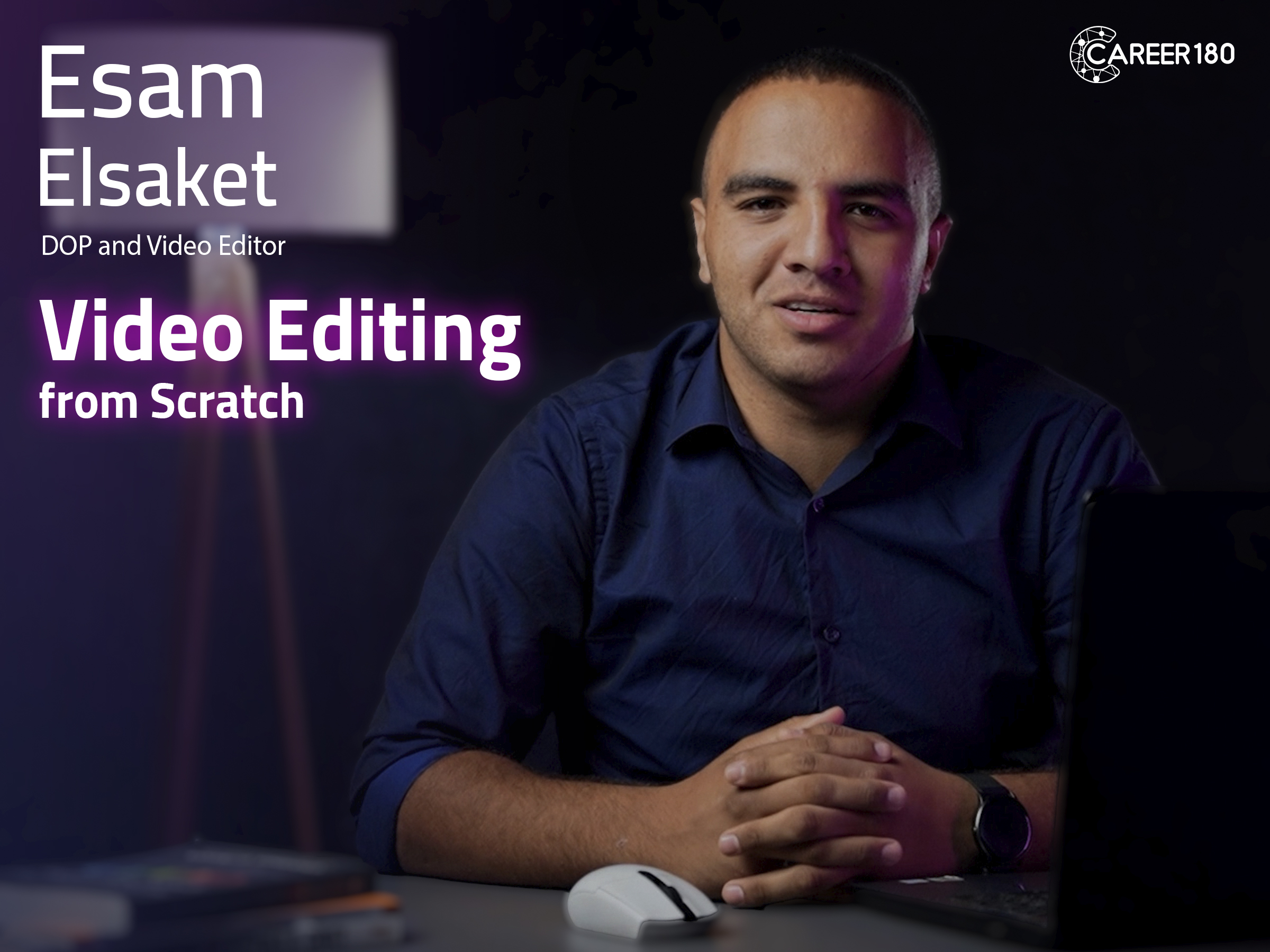
Course 3
This video editing course teaches beginners how to edit photos and videos with Adobe Premiere from scratch. It covers the full basic workflow, from creating a project and using shortcuts to editing cuts, improving audio, correcting colors, adding text, and producing subtitled videos.
What You Will Learn:
- What video is and how to create a new Adobe Premiere project.
- How to use and customize Adobe Premiere shortcuts.
- How to apply cut-on-action, fade-in, fade-out, L-cuts, J-cuts, and jump cuts.
- How to transform photos within a project.
- How to reduce noise and improve audio quality using different tools.
- How to work with audio recorded through an external microphone.
- How to use color correction and color grading for photos and videos.
- How to add text and subtitles.
- How to recognize and handle common Adobe Premiere mistakes.
-
Intro
54 seconds -
What is Video?
6 minutes 5 seconds -
New Project
1 minute 15 seconds -
Workspace
1 minute 28 seconds -
Timeline
1 minute 39 seconds -
Montage
3 minutes -
Layers
2 minutes 4 seconds -
Exporting
2 minutes 22 seconds -
Exercise 1
2 minutes 41 seconds -
Shortcuts
7 minutes 26 seconds -
Slow Motion
8 minutes 29 seconds -
Cuts and Transfers
8 minutes 40 seconds -
Cut on Action
1 minute 29 seconds -
Fade-in and Fade-out
2 minutes 16 seconds -
L Cut and J Cut
2 minutes 56 seconds -
Jump Cut
3 minutes 9 seconds -
Transform
2 minutes 48 seconds -
Key Frames
4 minutes 49 seconds -
Audio Gain and Mixing
5 minutes 53 seconds -
Mastering Audio
3 minutes 15 seconds -
Noise Reduction
1 minute 45 seconds -
Synchronize Audio
3 minutes 37 seconds -
Video Effects
6 minutes 55 seconds -
Color Correction
3 minutes 27 seconds -
Color Grading
2 minutes 27 seconds -
Curves
4 minutes 21 seconds -
Masking
3 minutes 23 seconds -
Chroma
6 minutes 31 seconds -
Text
4 minutes 24 seconds -
Essential Graphics
1 minute 25 seconds -
Subtitles
2 minutes 25 seconds -
Common Mistakes
7 minutes 56 seconds

Course 4
In this course you will learn: - The different careers in the designing industry. - How to use move tool, selection tool and transformation tool in adobe photoshop. - How to add text to your design? - How to manage the layers of your designs through the layer Panel? - How to color your designs? - How to make a gradient in coloring of the design? - How to make masks in your designs? - The principles of designs. - How to make a professional portfolio?
Introduction
-
Intro
34 seconds
Start Designing for Social Media
-
Introduction to Graphic Design World
3 minutes 9 seconds -
New File
3 minutes 22 seconds -
Work Area
7 minutes 48 seconds -
Project 1
6 minutes 16 seconds -
Selection Tool
11 minutes 7 seconds -
Project 2
2 minutes 57 seconds -
Text Tool
7 minutes 34 seconds -
Project 3
3 minutes 35 seconds -
Layer Panel
8 minutes 26 seconds -
Project 4
1 minute 55 seconds -
Adjustments
6 minutes 42 seconds -
Project 5
4 minutes 17 seconds -
Gradient
3 minutes 29 seconds -
Re-touch
5 minutes 34 seconds -
Mask
7 minutes 36 seconds -
Project 6
7 minutes 53 seconds -
Pen Tool
9 minutes 25 seconds -
Saving
2 minutes 44 seconds -
Graphic Design Principles
8 minutes 58 seconds -
Color Theory
4 minutes 43 seconds -
Steps to Make a Good Design
2 minutes 51 seconds -
How to Take a Brief
2 minutes 7 seconds -
My First Portfolio
2 minutes 50 seconds

Course 5
In this course your will learn:
- The meaning of branding.
- The different types of logos.
- The difference between vector and raster.
- The different tools in adobe illustrator that will help you with logo design.
- The steps of designing.
- How to take a brief from the client in the right way?
Introduction
-
Intro
27 seconds
How to create a logo professionally
-
What is Branding
4 minutes 57 seconds -
Different types of logos
4 minutes 9 seconds -
Difference between Raster and Vector
2 minutes 32 seconds -
Illustrator Intro
2 minutes 9 seconds -
Shapes
9 minutes 24 seconds -
Outline
5 minutes 25 seconds -
Exercise 1
6 minutes 1 second -
Transformation Tool
3 minutes 49 seconds -
Pathfinder Part 1
6 minutes 26 seconds -
Pathfinder Part 2
5 minutes 52 seconds -
Text
6 minutes 39 seconds -
Type on a Path
1 minute 56 seconds -
Pen Tool
7 minutes 1 second -
Exercise 2
5 minutes 1 second -
Patterns
4 minutes 10 seconds -
Saving
4 minutes 12 seconds -
Resources
3 minutes 50 seconds -
Four Steps to Design
3 minutes 15 seconds -
Briefing
4 minutes 9 seconds
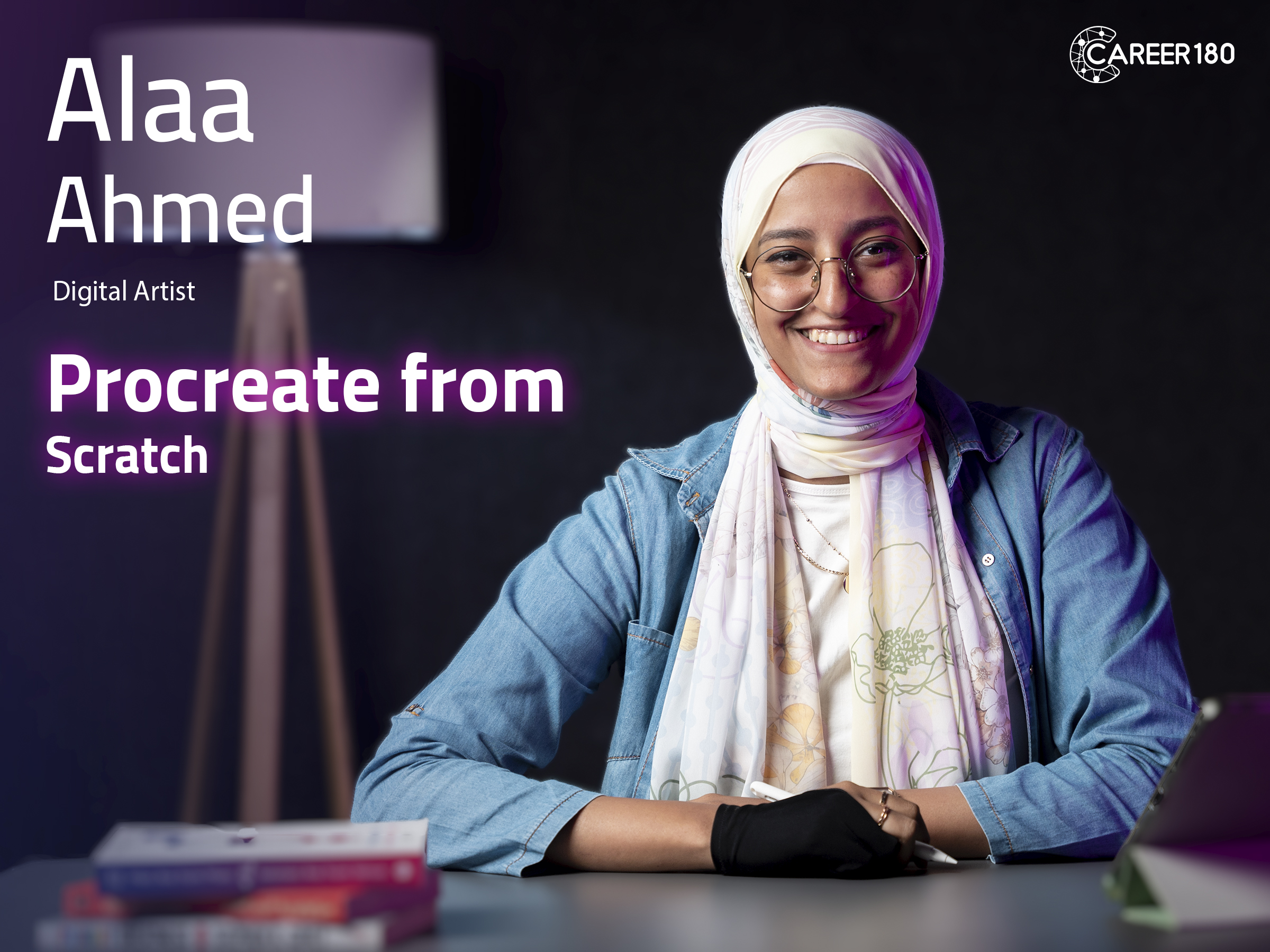
Course 6
This Procreate course introduces the fundamentals of creating digital artwork with Procreate. It guides learners through gestures and essential features before applying them to simple and more complex artwork, then introduces the animation tools available within the application.
What You Will Learn:
- The basic fundamentals of Procreate.
- How to use gestures while working in the application.
- How different Procreate features support digital illustration.
- How to create a simple artwork.
- How to apply the tools to a more complex artwork.
- How to use Procreate's animation tools.
- How to build a basic animation within the application.
-
Intro
45 seconds -
Fundamentals
5 minutes 35 seconds -
Gestures
2 minutes 58 seconds -
Simple Artwork
13 minutes 19 seconds -
More Complex Artwork Part 1
9 minutes 46 seconds -
More Complex Artwork Part 2
11 minutes 16 seconds -
More Complex Artwork Part 3
10 minutes 7 seconds -
More Complex Artwork Part 4
13 minutes 4 seconds -
Animation Tools
12 minutes 29 seconds -
Conclusion
38 seconds
Course 7
This photography course introduces the camera settings and equipment beginners need to make more informed photography decisions. It explains ISO, shutter speed, and the F-number, then shows how these settings work together according to the subject and shooting conditions.
What You Will Learn:
- Essential photography concepts for beginners.
- The difference between amateur and professional practice.
- What ISO is and how it affects an image.
- How shutter speed can be adjusted for different needs.
- What the F-number represents.
- How ISO, shutter speed, and F-number work together.
- What equipment is needed to begin photographing.
- How to choose a camera based on your needs.
- How to store and organize photos for easier access.
-
Intro
59 seconds -
Photography Concept
5 minutes 39 seconds -
Difference between Professionalism and Amateurism
6 minutes 11 seconds -
ISO
5 minutes 22 seconds -
Shutter Speed
11 minutes 54 seconds -
F-Number
14 minutes 14 seconds -
Combination of Exposure Triangle
11 minutes 41 seconds -
All you Need to Know about Lighting
9 minutes 2 seconds -
Composition
4 minutes 15 seconds -
Equipment
7 minutes 12 seconds -
How to choose Your Cam
8 minutes 38 seconds -
Post Production
15 minutes 26 seconds
Course 8
This mobile photography course explains how to use a smartphone camera more intentionally for photography and video. It covers mobile camera features, light, lenses, aspect ratios, storytelling, panorama, selfies, photo editing, and the supporting tools needed when creating mobile video content.
What You Will Learn:
- The differences between a traditional camera and a mobile camera.
- The main mobile camera features and what they do.
- What focal length means and how lenses affect an image.
- How lighting conditions influence mobile photos.
- When mobile flash can be useful.
- How to choose an aspect ratio for different subjects.
- How storytelling can strengthen a photograph.
- How to choose a suitable mobile lens.
- How panorama mode works and when to use it.
- Practical tips for selfies and basic photo editing.
- The supporting tools used when producing mobile videos.
-
Intro
1 minute 18 seconds -
What is the difference between a Camera and a Mobile
3 minutes 39 seconds -
Understanding Exposure
6 minutes 23 seconds -
Focal lens
8 minutes 19 seconds -
Depth of Field
3 minutes 33 seconds -
HDR
3 minutes 41 seconds -
Flash
4 minutes 23 seconds -
Resolution
4 minutes 14 seconds -
Composition
4 minutes 37 seconds -
Lighting
6 minutes 17 seconds -
Storytelling
2 minutes 33 seconds -
How to Choose the Mobile Lens
4 minutes 16 seconds -
Panorama
3 minutes 20 seconds -
Aspect Ratio
5 minutes 5 seconds -
Selfie
4 minutes 59 seconds -
Extra modes
3 minutes 25 seconds -
Common Mistakes in Phone Photography
2 minutes 40 seconds -
Photo Editing
7 minutes 21 seconds -
Videography
12 minutes 39 seconds
Course 9
This introduction to freelancing helps learners decide whether the freelance lifestyle matches their goals and expectations. It presents the potential of freelance work alongside its practical realities, competition, career-path options, and the planning needed to begin building a portfolio and a sustainable direction.
What You Will Learn:
- What freelancing is and the opportunities it can offer.
- How freelancing expectations may differ from reality.
- What to consider before choosing the freelance lifestyle.
- How competition can affect new freelancers.
- The four career paths presented for freelancers.
- How to begin creating an actionable career roadmap.
- Why portfolio development matters when pursuing freelance work.
- How the introduction supports a final decision about continuing into freelancing.
-
Intro
1 minute 58 seconds -
Where Do you See yourself After 5 Years?
6 minutes 21 seconds -
Different between Freelancing, Remote Work and other Scenarios
9 minutes 33 seconds -
What it Takes to be a Freelancer?
6 minutes 14 seconds -
What it Takes to be a PERFECT Freelancer
8 minutes 58 seconds -
Freelancers Career Path
6 minutes 54 seconds -
What's True and What's not True about Freelancing
10 minutes 23 seconds -
Deal Breakers
7 minutes 9 seconds -
Action Plan
3 minutes 30 seconds
Course 10
In this course you will learn:
- Know the difference between Content & Copy Writer.
- How to create perfect brief.
- Some rules for the writing process.
- How to choose the suitable brand voice for different campaigns.
- Keys success metrics of a campaign.
-
Intro
30 seconds -
Understanding Marketing & Consumer Behavior
2 minutes 1 second -
Content Writer vs. Copywriter
11 minutes 55 seconds -
What is Creative Brief
12 minutes 23 seconds -
Buyer Persona
5 minutes 1 second -
Writing Process
10 minutes 1 second -
Brand Voice
3 minutes 45 seconds -
Key Success Metrics
3 minutes 26 seconds -
Conclusion
24 seconds
Course 11
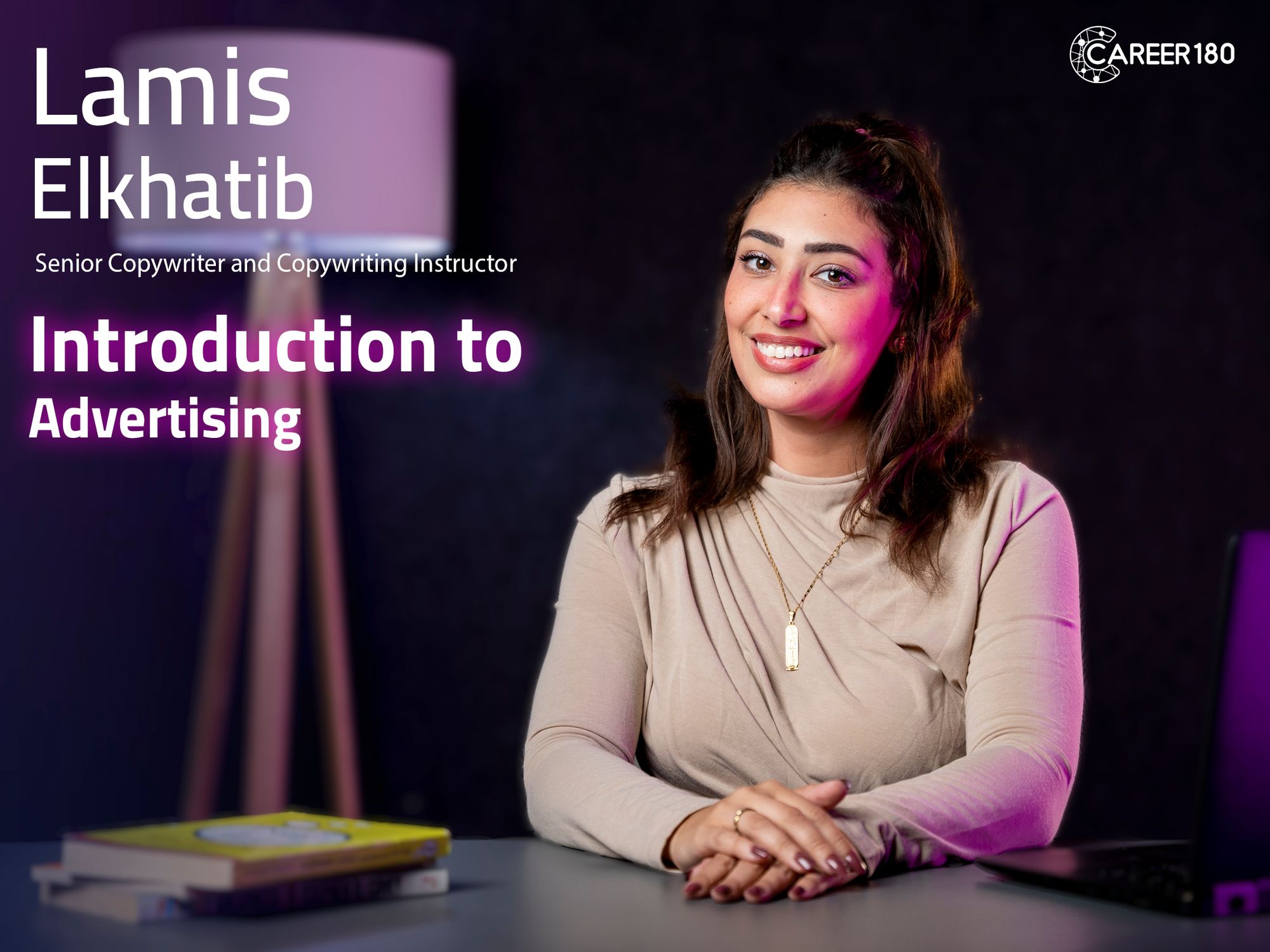
This advertising course introduces the creative work involved in developing advertising ideas. It focuses on the copywriter's role, the purpose of a creative brief, the stages of the creative process, and the skills needed to write, organize, and present advertising concepts clearly.
What You Will Learn:
- The role of a copywriter within advertising work.
- The main responsibilities handled by a copywriter.
- What a creative brief is and why it is used.
- How to prepare a creative brief.
- The main stages of the creative process.
- How to develop an advertising idea from a brief.
- How to write ideas in a clear and persuasive way.
- How to present creative concepts to other people.
Introduction
-
Intro
47 seconds
How to become a copywriter
-
Who is the Copywriter?
1 minute 41 seconds -
Creative Brief
12 minutes 23 seconds -
Creative Process (Bayer Persona)
5 minutes 10 seconds -
Creative Process (Treatment)
6 minutes 9 seconds -
Rational
5 minutes 42 seconds -
Tips about Content
7 minutes 29 seconds -
Creative Process (Features)
6 minutes 1 second
Subscriptions
Start watching our recorded courses in different fields with our great experts
1 Month Subscription
Benefits
- Full access to all courses
- Full access to material of courses
- Engage with course instructors
- Get certificate of completion
1 Year
Benefits
- Full access to all courses
- Full access to material of courses
- Engage with course instructors
- Get certificate of completion
3 Months
Benefits
- All one month subscription perks
- Access for three months
- Access for 3 users